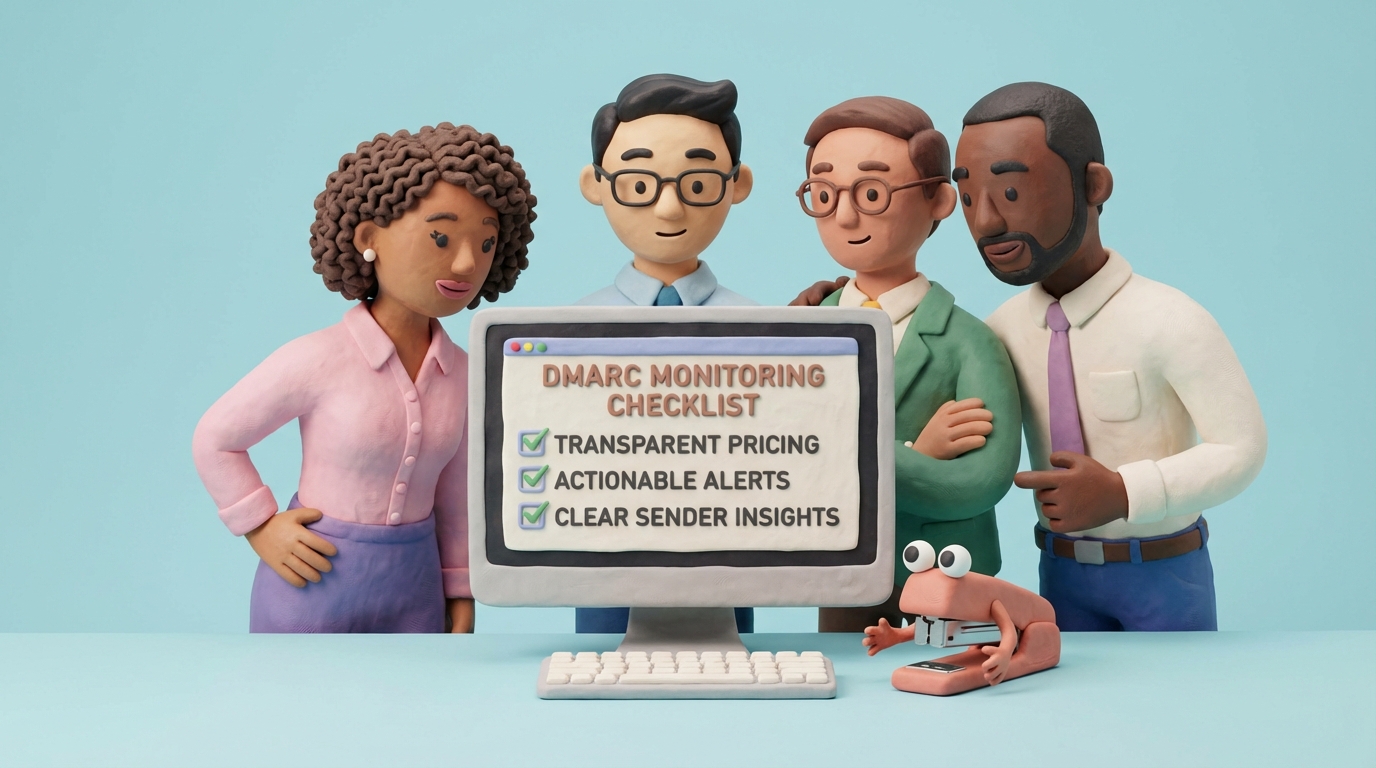
Suped alternative: DMARCTrust for DMARC monitoring that stays simple
Looking for a Suped alternative? Here’s how to evaluate DMARC monitoring tools (pricing, data residency, DNS alerts, exports) and why teams choose DMARCTrust for clear sender insights and fast setup.
Standards basis: DMARC migration examples are based on RFC 9989 for policy records and RFC 9990 for aggregate report destinations.

Searching for a Suped alternative usually means one thing: you want DMARC monitoring that helps you reach enforcement safely, without turning into a six-month “email security platform” project.
This post is a practical evaluation checklist (not a takedown), plus a safe way to test DMARCTrust alongside Suped so you can decide using your real traffic.
Last updated: February 3, 2026.
Disclosure: DMARCTrust is our product. We’re proud of it, and we’ll be direct about where we think it wins.
Note: Vendors change features and packaging frequently. Use this as a buying checklist and verify details on each vendor’s site and contract.
Suped vs DMARCTrust: the 60‑second decision
Choose DMARCTrust if you want:
- A self-serve platform with clear sender insights (not just IP addresses)
- DNS change monitoring so broken SPF/DKIM/DMARC doesn’t silently kill deliverability
- SPF Optimizer included with Pro: automated SPF flattening to solve the 10 DNS lookup limit
- Free tier to evaluate with one domain, no credit card required. Then transparent, predictable scaling by domain count.
- A clear path to enforcement (
p=none→p=quarantine→p=reject)
Stick with Suped if:
- Your current workflow already gives you a maintained sender inventory and actionable alerts
- You’re happy with pricing, data handling, and exports/API access
- You don’t feel “locked in”
The short version (for busy teams)
If you’re evaluating a Suped alternative, DMARCTrust is a strong fit when you want:
-
Fast setup: add domain, point
rua=to your DMARCTrust reporting address, and reports start flowing. - Clear sender insights: see which providers (and IPs) actually send as your domain, with pass/fail rates you can act on.
- DNS change monitoring: catch broken DMARC/SPF/DKIM before deliverability tanks.
- Free tier: monitor one domain before committing. Upgrade when you need more.
- Transparent pricing: predictable per-domain pricing (not a mystery quote).
- Data residency choice: choose EU or US region at signup when it matters for compliance.
If you’re new to DMARC, start with our DMARC monitoring & reporting guide and DMARC basics.
What you should demand from any Suped alternative
Most tools in this category promise “DMARC compliance”. The difference is whether you can operate the program week-to-week without guesswork.
Here’s the checklist we recommend (even if you don’t pick us).
1) Reliable report ingestion (RUA) and parsing
DMARC aggregate reports are noisy, repetitive, and sometimes malformed. Your platform should:
- Ingest reliably (no silent drops)
- Deduplicate and normalize data
- Make it easy to answer: “What changed since last week?”
2) Sender identification you can actually maintain
A DMARC dashboard that only shows IPs isn’t enough. You need a maintained, human-readable view of “who is sending as us” so you can:
- Build a real sender inventory
- Fix the right systems
- Confidently move toward enforcement
3) DNS change monitoring (and not just “a checker”)
DMARC failures are often self-inflicted:
- SPF exceeds 10 DNS lookups
- DKIM key gets rotated incorrectly
- DMARC record gets deleted during a DNS provider migration
Your tool should monitor DMARC/SPF/DKIM continuously and alert on changes with severity. The alternative is reactive troubleshooting after reputation damage.
4) Exports and API access (so you’re not trapped)
Even if you never plan to switch, insist on:
- Data export for reports/audits
- An API if you need SIEM/BI integrations
5) Security and compliance basics
At minimum:
- Enforceable 2FA for all users
- Audit-friendly access controls
- A DPA if you’re under GDPR
If you’re in Europe (or sell to Europeans), data residency is not a “nice to have”. We wrote more on the practical reality in data residency: EU vs US zones.
How to evaluate Suped vs DMARCTrust with your real data (7‑day checklist)
This is the fastest way to avoid buying based on screenshots.
Day 1: Add your domain and publish p=none
If you don’t have a DMARC record yet, publish p=none (monitoring only) and send reports somewhere you’ll actually use.
Our tooling if you want a clean starting point:
Days 2–3: Verify sender identification
Ask both tools the same question:
“Which systems sent email as this domain in the last 48 hours, and which of those failed DMARC?”
If you can’t answer that cleanly, enforcement will be painful.
Days 4–5: Test DNS monitoring
DMARC programs don’t fail because “DMARC is hard”. They fail because DNS changes.
Validate that you can:
- See DMARC/SPF/DKIM status clearly
- Get alerted when records change or break
- Review a history/timeline of changes (so you can debug quickly)
If you want the context on why this matters, read: SPF, DKIM alignment explained and DMARC enforcement rollout playbook.
Days 6–7: Export the data
Even if you never plan to switch vendors again, confirm you can export what you need for:
- Audits and evidence
- Internal reporting (security, IT, marketing)
- Future migrations
Why teams choose DMARCTrust
We built DMARCTrust for teams that want to own their DMARC posture without enterprise overhead.
What we focus on
Clear monitoring, not noise
DMARCTrust turns reports into a domain-centric view so you can quickly see what’s passing, what’s failing, and what to fix next.
DNS change monitoring that catches real incidents
We monitor DMARC/SPF/DKIM regularly and alert when something breaks, so you learn about issues before your users do.
EU/US region choice
Choose your data region at signup (EU or US) so compliance conversations don’t become a blocker later.
Free tier, then transparent pricing
Monitor one domain before you pay anything. When you’re ready for more, see pricing without a sales call. Add domains predictably. No email-volume pricing surprises.
Built for getting to enforcement
Monitoring is step one. The goal is safe enforcement. If you want the rollout path, use our DMARC enforcement playbook.
If you care about more than DMARC (BIMI, MTA‑STS, TLSRPT)
Some teams searching for a “Suped alternative” actually want a broader email authentication posture, not just DMARC reports.
DMARCTrust is centered on DMARC monitoring and DNS safety, but we also publish practical guidance and tools around the wider stack:
- BIMI basics and requirements: Understand BIMI
- A copy-ready BIMI record: BIMI record generator
- Converting a logo to SVG Tiny‑PS: BIMI Tiny‑PS converter
- Transport layer hardening: Understand MTA‑STS and TLSRPT (glossary)
DMARCTrust vs Suped: a practical comparison checklist
Instead of guessing what’s inside any vendor’s plan this month, compare capabilities and ask for proof.
| Capability that matters | DMARCTrust | What to verify in Suped (or any vendor) |
|---|---|---|
| Setup time | Minutes | Can you start without professional services? |
| Sender insights | Built-in, sender-centric views | Do you get source labeling that’s maintainable? |
| DNS monitoring | Automated checks + alerts | How often are checks run, and are alerts actionable? |
| Data residency | EU or US choice at signup | Is region selectable, contractually guaranteed, and documented in a DPA? |
| Pricing | Published, domain-based | Is pricing public? Any volume limits/overages? |
| Export/API | Designed for operational use | Can you export raw + aggregated data? Is there an API? |
| Security | Enforceable 2FA | Can admins enforce 2FA? Is Google’s SSO available if needed? |
How to switch to DMARCTrust (without breaking mail)
The safest migration is to run in parallel for a short period. DMARC supports multiple RUA destinations.
Step 1: Add your domain in DMARCTrust
Create an account, choose your region, and add your domain.
Step 2: Update your DMARC rua= (run in parallel first)
Point your DMARC record’s aggregate reporting address to DMARCTrust. If you want parallel monitoring, keep your existing destination and add DMARCTrust as an additional rua mailbox.
If you don’t have a DMARC record yet, start in monitoring mode (p=none) using our DMARC record generator.
Here’s what a parallel setup can look like (example only):
v=DMARC1; p=none; rua=mailto:[email protected],mailto:[email protected]
Step 3: Wait 48 hours and review your real sender inventory
Most organizations get usable data within 1–2 days, and a fuller picture over 2–4 weeks (depending on send patterns).
Use the dashboard to identify:
- Legitimate ESPs that need DKIM/SPF fixes
- Unauthorized sources you should shut down
- Alignment issues (the root cause behind “everything is SPF/DKIM pass but DMARC fail”)
Step 4: Fix issues and move toward enforcement
Use the staged rollout:
-
p=none(monitor) -
p=quarantine(soft enforcement) -
p=reject(strong protection)
Follow the detailed process in DMARC enforcement rollout playbook.
FAQ
Can I use DMARCTrust and Suped at the same time?
Usually, yes. DMARC aggregate reporting supports multiple rua= addresses. Parallel monitoring is the safest way to compare platforms with your real traffic.
How long does it take to see data?
Typically 24–48 hours for meaningful early data, and 2–4 weeks for a complete view of all senders (especially low-volume tools).
Does switching monitoring tools affect email deliverability?
Changing the rua= destination should not affect deliverability. Deliverability changes when you change policy (p=), SPF, DKIM, or alignment.
What if I’m not ready for p=reject?
That’s normal. Monitoring is step one. The goal is to build a sender inventory and fix authentication so enforcement is safe. Start with DMARC monitoring & reporting and then follow the enforcement rollout playbook.
Where do I start?
If you want the fastest path, do this:
- Add your domain
- Publish a DMARC record with
p=noneandrua=pointing to DMARCTrust via our generator - Review your senders and fix authentication
- Move to enforcement when your pass rates are stable
Compare more options
If Suped is not a strong fit, the Best DMARC monitoring service in 2026: 6 tools compared shortlist covers the alternatives most teams evaluate side by side.
Create a free account and monitor one domain right away. If you want to evaluate pricing and plans first, start at DMARCTrust pricing.
Further reading (practical next steps)
- Email authentication monitoring: why set-and-forget fails
- SPF failed: why it happens and how to fix it
- DMARC dashboard for multi-domain: why centralized monitoring saves you from yourself
Related comparisons
If you’re comparing multiple vendors, these may help: