DMARC dashboard for multi-domain: why centralized monitoring saves you from yourself
Managing DMARC across multiple domains means logging into GoDaddy, Cloudflare, Route 53, and more. Human error is the top cause of DMARC failures. A centralized multi-domain dashboard catches mistakes before they hurt deliverability.
You have five domains. Marketing runs brand.com. The product lives on app.io. Support uses help.brand.com. There’s a legacy domain from an acquisition. And the corporate site on company.com.
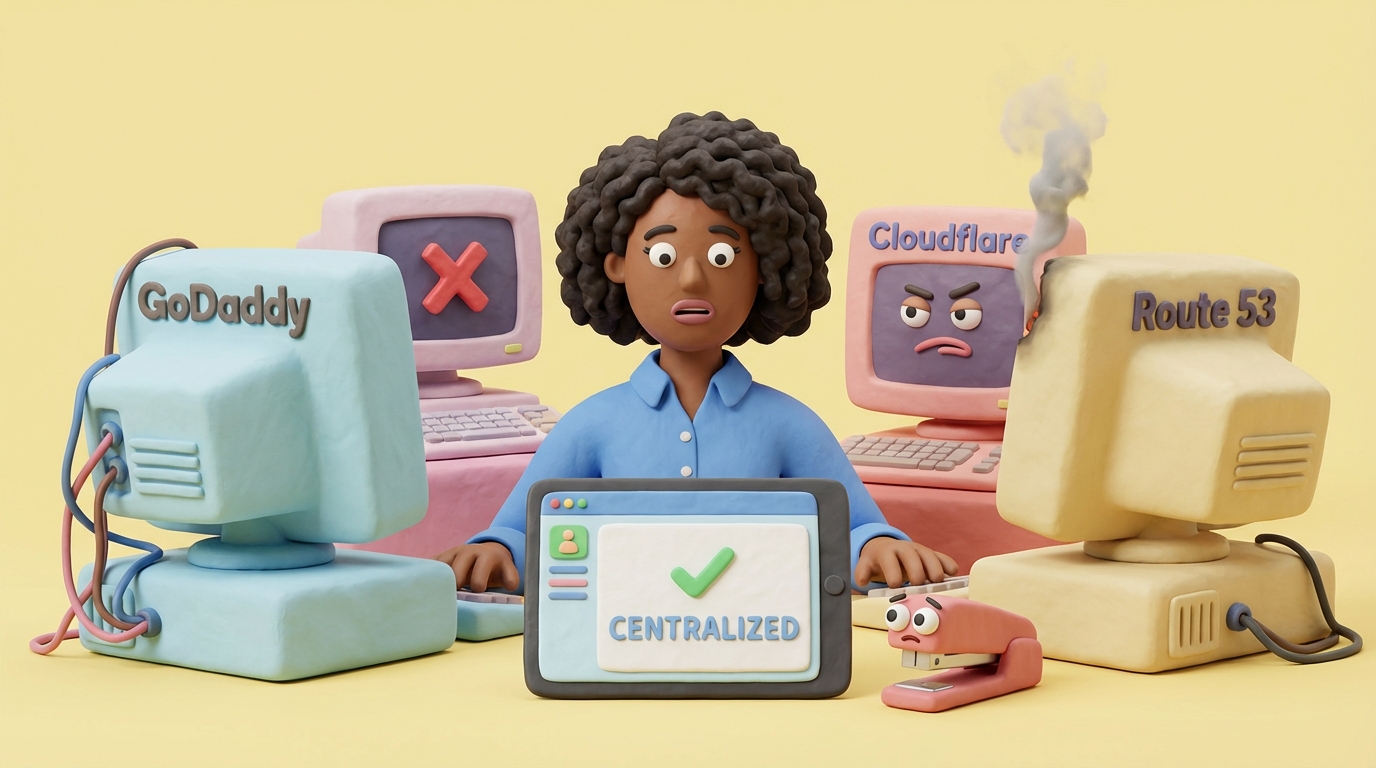
Each domain has DNS managed somewhere different. GoDaddy for the legacy domain (because nobody remembers the login). Cloudflare for the main site. AWS Route 53 for the product. Maybe Namecheap for something else.
Now imagine something breaks.
You need to check the SPF record. Which DNS provider is it on? Where are the credentials? Did someone change something last month that you forgot about?
This is DNS fatigue. And it’s why human error is the number one cause of DMARC failures.
The multi-domain problem
Most businesses don’t start with five domains. They accumulate them.
You launch a new product with its own domain. You acquire a company and inherit theirs. Marketing wants a campaign-specific URL. Development spins up staging domains. Legacy domains stick around because redirects point there.
Each domain needs email authentication: SPF, DKIM, DMARC. And each one can break independently, silently, without anyone noticing until deliverability tanks.
The traditional approach is logging into each DNS provider, checking records manually, and hoping nothing changed since your last visit. This works for one domain. Maybe two. Beyond that, you’re accumulating technical debt and praying.
Why humans break DMARC
DNS changes cause most authentication failures. And DNS changes are made by humans.
Here’s what actually happens in organizations:
Someone adds a new email service to SPF. They don’t realize you’re already at 9 DNS lookups. One more include: pushes you over the 10-lookup limit. SPF returns PermError. Authentication fails silently for all email.
A well-meaning IT admin reviews DNS records. They see a DKIM selector they don’t recognize: selector1._domainkey. Looks unused. They delete it. That was your Microsoft 365 DKIM key. Outlook email now fails DKIM.
You move DNS providers. Most records transfer correctly. The DMARC record doesn’t (maybe a formatting issue, maybe human oversight). For weeks, you collect no reports because rua= points nowhere valid.
Someone edits SPF manually. They type include:spf.protection.outook.com instead of outlook. One letter. SPF fails for all Microsoft email.
These aren’t hypothetical. We see them in support tickets. We see them in DMARC reports. They happen to smart people at good companies.
The common thread: nobody knew something changed until it was already a problem.
What centralized monitoring actually means
A DMARC dashboard for multi-domain management does a few things that matter:
It collects reports from all domains in one place. No more checking five different inboxes or wondering if that reporting address still works. And when you do need to read a single raw report, drop it into our DMARC report analyzer instead of wading through the XML by hand.
It validates DNS continuously. Not once a week when you remember, but automatically, on a schedule that catches problems early.
It tracks changes over time. When something breaks, you can see exactly what changed and when. No detective work.
It alerts before failures cascade. A deleted DKIM record today becomes blocked email tomorrow. You want the alert today.
The goal is giving humans the information they need before small changes become big problems.
DNS change history: your audit trail
DMARCTrust checks your DNS records hourly on paid plans. When something changes, we detect it. But we don’t alert on the first sighting.
Here’s how it works:
When we detect a change, we hold it and compare it against the next check. The new value has to still be there, unchanged, before it becomes an alert. This filters out DNS propagation artifacts and temporary glitches. Only confirmed changes trigger alerts.
Not all changes matter equally, so we categorize them by severity. Critical changes include policy downgrades (p=reject to p=none), record deletions, and syntax errors that break authentication. Warnings cover changes that might affect authentication, like SPF modifications or DKIM selector changes. Info-level changes are worth knowing but probably fine, things like reporting address updates or comment changes.
Every change gets recorded in the DNS Timeline. You can see the complete history of your DMARC, SPF, and BIMI records over time. When did that SPF record grow to 12 includes? Who knows, but now you can trace it back.
This matters for troubleshooting and audits. When someone asks “what changed?” you can actually answer instead of shrugging.
The five-login problem
Let’s be concrete about what DNS fatigue looks like.
Monday morning: You need to add a new email sender to SPF.
First, figure out which domain they’re sending from. Check the ticket. It’s marketing.brand.com. Okay, that’s a subdomain of brand.com. Where is brand.com hosted?
Check the password manager. GoDaddy. Log in. Two-factor authentication. Find the DNS section. Look for TXT records. Find the SPF record. Realize it’s already long. Count the includes. Hope you’re under 10.
Make the edit. Save. Hope propagation happens before anyone notices issues.
Tuesday: Same thing, different domain, different provider. Now it’s Cloudflare. Different interface. Different terminology. Is it “DNS” or “DNS Records” or “DNS Management”?
Wednesday: You discover that the acquisition domain has DNS at some registrar you’ve never heard of. The login is in someone’s personal email. They left the company six months ago.
Thursday: Something breaks. Which domain? Which provider? When did it change? Start from scratch.
A centralized dashboard makes this: log in once, see all domains, see all DNS status, see all changes. The Thursday mystery becomes “oh, this record changed yesterday at 3pm, here’s what it was before.”
Catching mistakes before deliverability drops
Email deliverability is fragile. A misconfigured SPF record doesn’t always fail immediately. Sometimes it fails for specific senders. Sometimes it fails intermittently. Sometimes you only notice when a major email campaign underperforms.
Authentication failures compound. Today’s small error becomes tomorrow’s spam folder placement. By the time open rates drop noticeably, you’ve been accumulating negative signals for weeks.
Centralized monitoring breaks this cycle.
DNS change at 2pm. Alert at 2:05pm. Fix before the evening newsletter goes out. That’s the difference between a close call and an incident.
When SPF pass rate drops over three days, something’s wrong even if no single failure looks dramatic. A dashboard catches patterns humans miss when checking manually. And if a problem hits multiple domains at once, maybe a shared vendor changed their infrastructure. Single view, pattern emerges.
The alternative is reactive troubleshooting. Email fails. You investigate. You discover a DNS change from two weeks ago. You fix it. You wait for reputation to recover. Everyone is frustrated.
What this looks like in practice
When you add a domain to DMARCTrust, we start monitoring immediately.
Your dashboard shows:
- Current DNS status for DMARC, SPF, and DKIM
- Health score based on configuration quality
- Recent changes with severity classification
- Source insights showing who’s sending as your domain
For paid plans, you get the DNS Timeline: a complete history of record changes. You can see what your SPF record looked like three months ago. You can see exactly when that DKIM key was added. You can export this for compliance documentation.
Alerts come by email when something changes. You configure the threshold (all changes, only critical, etc.). You control which domains alert you. No alert fatigue, but no surprises either.
Everything in one place. One login instead of five.
The compliance angle
Auditors love audit trails.
SOC 2 asks about change management. PCI-DSS wants evidence of monitoring. Internal security teams need documentation for vendor questionnaires.
“When did this DNS record change?” is a question you should be able to answer. Not “sometime in Q3, maybe?” but “September 14th at 2:47pm, here’s the before and after.”
DNS Timeline gives you that. Historical records with timestamps, exportable for documentation. The auditor asks, you show them. Conversation over.
We wrote about data residency when we added EU and US zones. That same compliance mindset applies here: if you’re trusting us with your email security data, you should be able to prove what happened and when.
Choosing a multi-domain dashboard
Not every DMARC tool handles multi-domain well. When evaluating vendors, ask:
How are additional domains priced? Some charge per domain. Some have tiers. Some have volume limits that effectively cap domains. Know what scaling costs before you need to scale.
Is DNS monitoring included? Some tools only parse DMARC reports. They don’t watch DNS. When SPF breaks, they can’t tell you because they’re not looking at SPF.
Is there change history? Knowing DNS “looks wrong” is less useful than knowing “DNS changed at 3pm yesterday and here’s what it was before.”
Can I see all domains at once? Separate logins per domain defeats the purpose. You want one view, all domains, at a glance.
DMARCTrust includes all of this. But even if you choose a different tool, ask these questions. Multi-domain management is the whole point for most businesses. Make sure the tool actually supports it.
Getting started
If you’re managing multiple domains with manual DNS checks, you’re one typo away from an email outage.
Start with visibility:
- Check your domains with our free tool to see current status
- Add your domains to DMARCTrust for continuous monitoring
- Enable DNS change alerts at your preferred severity level
- Review the DNS Timeline when something needs investigating
Pricing is straightforward: domains included in each plan, additional domains at a flat rate. No message volume limits. No surprises.
Human error will always happen. The question is whether you catch it in five minutes or five weeks. A centralized DMARC dashboard gives you those five minutes back.
Managing domains for multiple clients? We’re building dedicated agency features. Learn about our early access program.