PowerDMARC alternative: why teams switch to DMARCTrust
Looking for a PowerDMARC alternative? Here’s a no-fluff checklist for choosing a DMARC monitoring tool and why teams choose DMARCTrust for transparent pricing, actionable DNS alerts, and clear sender insights.
Standards basis: DMARC migration examples are based on RFC 9989 for policy records and RFC 9990 for aggregate report destinations.
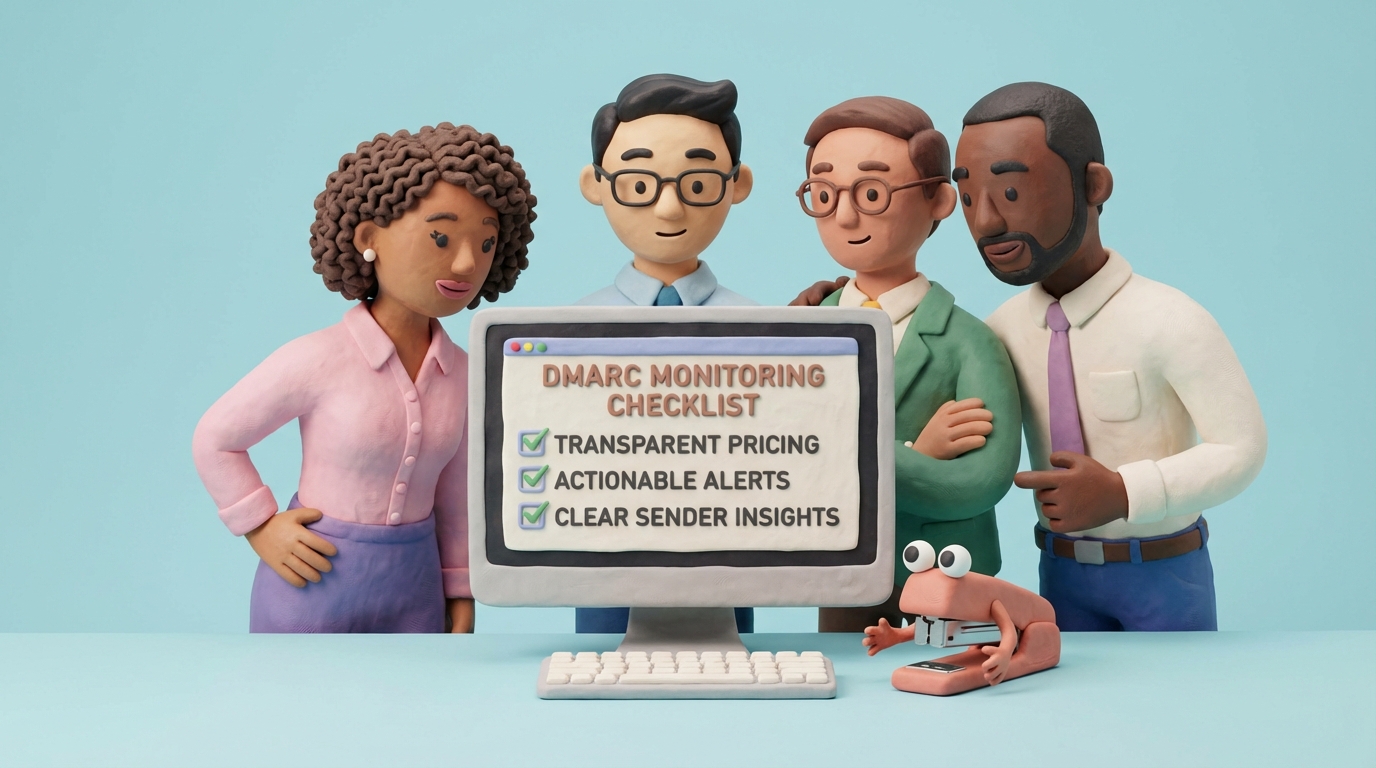
If you searched for a PowerDMARC alternative, you’re probably not looking for “more DMARC charts”.
You’re looking for a tool that makes DMARC operational: identify senders, fix what’s broken, and get to enforcement without breaking legitimate email.
Last updated: February 3, 2026.
Disclosure: DMARCTrust is our product. This post is written to be useful even if you pick a different platform.
Note: Vendor offerings change often. Use this as an evaluation checklist and verify details during your trial/procurement.
PowerDMARC alternative: what searchers usually mean
Most teams searching this keyword are trying to solve one (or more) of these problems:
- They want to reach DMARC enforcement without breaking legitimate mail
- They want a clearer view of who is sending as their domain (and what’s failing)
- They want DNS monitoring so a single SPF/DKIM mistake doesn’t silently break deliverability
- They want pricing/packaging that’s easy to understand and scale with domain count
The short version
DMARCTrust is a strong PowerDMARC alternative when you want:
- A clean path to enforcement (monitor → fix → enforce) with visibility you can trust
- DNS change monitoring so a bad SPF/DKIM/DMARC change doesn’t quietly kill deliverability
- Free tier to evaluate with one domain, no credit card. Then transparent, predictable pricing based on domains (not “talk to sales” or surprise limits).
- EU/US data region choice for GDPR and vendor risk reviews
- Actionable sender insights (not just IP lists)
If you need a refresher on what DMARC actually evaluates, start with SPF, DKIM, and alignment explained.
“All‑in‑one suite” vs “DMARC program you can run”
Some vendors in this space bundle adjacent protocols and services (think: BIMI, MTA‑STS, TLSRPT, hosted SPF, and more). That can be the right choice if you want a single procurement line item for everything.
DMARCTrust is built around the core program that actually gets you to enforcement:
- Get reports flowing
- Build a living sender inventory
- Fix authentication and alignment
- Detect DNS drift quickly
- Move toward enforcement when it’s safe
If your priority is deliverability and brand protection, running the DMARC program well matters more than a long feature list.
Why teams look for an alternative in the first place
Most “DMARC platforms” solve the ingestion problem (RUA XML → dashboard). The harder problem is helping your team run the program week after week.
If your current setup feels heavy, it usually comes down to one of these:
- You can’t quickly tell which sources matter (or which are new)
- You find out about DNS breakage after users complain
- Pricing and plan boundaries aren’t obvious until late in the process
- Compliance questions (DPA, region, retention) slow everything down
What to compare (this matters more than feature checklists)
1) Can you build and maintain a sender inventory?
This is the foundation. If you can’t keep a living list of legitimate senders, enforcement becomes risky.
Start here: sender inventory for DMARC.
2) Do you get real DNS change monitoring and history?
Look for:
- Automatic checks on a schedule (not “click to check”)
- Alerts with severity (critical vs informational)
- A history/timeline for auditing and debugging
3) Is data residency handled clearly?
DMARC reports contain IP addresses of systems sending as your domain. For many orgs, that triggers GDPR/vendor-review questions.
Ask for:
- Region options (EU/US)
- DPA and sub-processor transparency
- Retention details
Background: why data residency matters for DMARC.
4) Can you export and integrate the data?
Even if you never integrate today, insist on:
- Exports (for audits and internal reporting)
- API access if you need SIEM/BI later
5) Is the pricing model aligned with your reality?
Some teams have a few domains and high email volume. Others have dozens of low-volume domains. A pricing model that punishes growth or hides limits becomes a problem a year from now.
A simple 7‑day evaluation checklist (use real traffic, not demos)
Day 1: Publish p=none and route reports somewhere useful
If you don’t have a DMARC record, start with monitoring mode (p=none). Our DMARC generator creates a valid record and explains tags in plain English.
Also run a quick baseline check: free DMARC checker.
Days 2–3: Validate “sender insights”
You should be able to answer:
- Which services sent as us?
- Which ones failed DMARC (and why)?
- Which ones are new this week?
If the UI can’t answer those without exporting CSVs and playing detective, you’ll struggle to enforce DMARC later.
Days 4–5: Test DNS monitoring and alerting
This is where many tools look similar in a feature table but feel very different in daily use.
Confirm you get:
- DMARC/SPF/DKIM checks automatically
- Alerts with severity (critical vs informational)
- A change history/timeline for debugging and audits
Days 6–7: Confirm data portability
Exports and API access matter because you may switch vendors, your team may change, and auditors will ask for data.
What DMARCTrust does differently (and why we’re proud of it)
We built DMARCTrust to be the tool you actually open every week. If you only look at your DMARC dashboard during incidents, something went wrong.
- Actionable sender insights: see who’s sending, what’s failing, and what to fix first.
- DNS change monitoring: catch DMARC/SPF/DKIM issues early, with change history.
- Free tier: monitor one domain before you pay anything. Upgrade when you need more.
- Transparent pricing: predictable domain-based tiers, no volume-based surprises.
- Region choice: choose EU or US at signup.
-
Built for enforcement: monitoring is step one; the goal is
p=rejectwhen you’re ready.
If you want the step-by-step enforcement rollout, use our DMARC enforcement playbook.
If you also care about BIMI, MTA‑STS, and TLSRPT
If your PowerDMARC evaluation includes the broader email authentication stack, these resources help:
DMARCTrust vs PowerDMARC: questions that show the real differences
Use these questions to do a fair, apples-to-apples evaluation.
| What you need to know | DMARCTrust | Ask PowerDMARC (or any vendor) |
|---|---|---|
| Time to first value | Quick self-serve setup | Do you need onboarding calls or services to get useful insights? |
| Sender insights | Designed for fast triage | How do you label/maintain sources over time? |
| DNS monitoring | Automated checks + alerting | How often are checks performed? Is there a timeline and severity? |
| Pricing clarity | Published tiers | Are there volume limits, overages, or add-ons for essentials? |
| Data residency | EU or US choice at signup | Is residency contractual and documented in a DPA? |
| Data portability | Operational exports + API options | Can you export raw + aggregated data, and is API access included? |
| Account security | Enforceable 2FA | Can admins enforce 2FA for all users? SSO options? |
How to migrate to DMARCTrust (safe and reversible)
1) Add your domain and get your DMARCTrust reporting address
Create an account, choose your region, and add the domain.
2) Point rua= to DMARCTrust (run in parallel if you want)
DMARC allows multiple aggregate report destinations. If you want to compare dashboards using the same real-world traffic, keep your existing rua and add DMARCTrust as a second destination.
If you don’t have a record yet, start with p=none using our DMARC generator.
Example parallel setup (example only):
v=DMARC1; p=none; rua=mailto:[email protected],mailto:[email protected]
3) Let the data accumulate and fix the obvious failures
Expect:
- 24–48 hours for meaningful initial insights
- 2–4 weeks for low-volume senders to show up
4) Move toward enforcement when pass rates stabilize
Follow a staged rollout and validate as you go. Full guide: DMARC enforcement rollout playbook.
FAQ
Will changing rua= break email?
No. rua= controls where reports are sent. Deliverability changes when SPF/DKIM/alignment or DMARC policy (p=) changes.
Can I keep PowerDMARC and DMARCTrust running together?
Usually, yes. Multiple rua= addresses let you run both tools for a short evaluation window.
What’s the fastest way to see if DMARCTrust is a fit?
Create a free account, add your domain, publish a DMARC record with p=none pointing to DMARCTrust, and review your sender inventory. Start here: DMARC monitoring & reporting guide.
What if I have lots of domains?
Domain count is exactly where pricing models diverge. Compare plans based on how many domains you actually manage and whether the vendor’s model punishes growth. Our plans are listed on pricing.
Further reading (if you’re running this program for real)
- The 2026 email deliverability stack: 4 tools that actually matter
- Email authentication monitoring: why set-and-forget fails
- DMARC setup for Microsoft 365: the complete guide for 2026
Other alternatives worth evaluating
Depending on your org size and operating model, you may also want to compare: