Mailchimp domain authentication: DKIM and DMARC records
Set up Mailchimp domain authentication with two account-specific DKIM CNAME records, one DMARC TXT record, and a real campaign test.
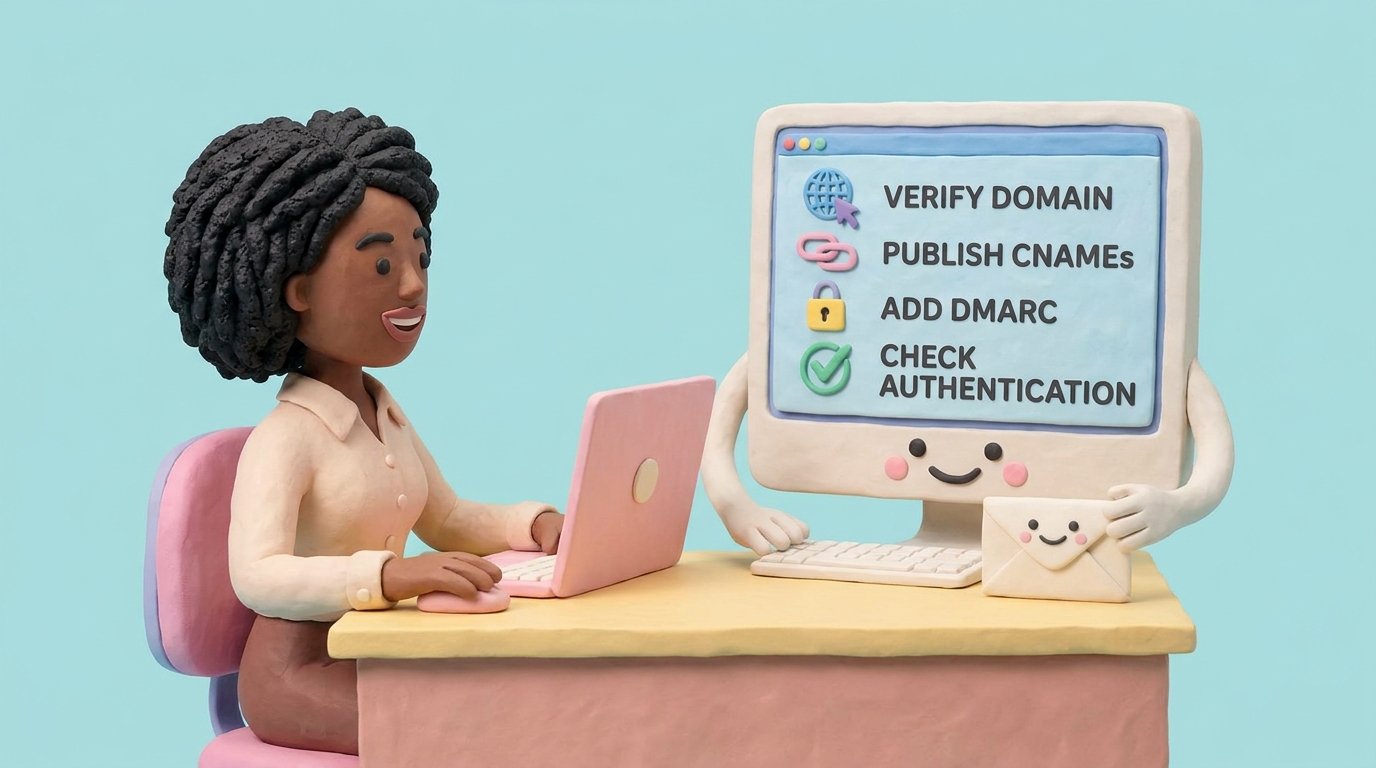
Mailchimp domain authentication uses two account-specific DKIM CNAME records and one DMARC TXT record. You can publish them automatically through Entri when supported or enter them manually at your DNS provider.
Mailchimp’s email domain authentication documentation says manual setup requires two DKIM CNAME records and one DMARC TXT record. Mailchimp now recommends automatic setup through Entri when the DNS provider is supported. We verified the flow in August 2026.
Those records are account-specific. Do not copy CNAME values from another Mailchimp account or a generic tutorial.
In reports, the common Mailchimp failure is not a missing key. It is a campaign sent from a different domain than the one authenticated in Mailchimp.
Mailchimp domain authentication DNS records
For manual setup, Mailchimp currently asks for this record set:
| Purpose | Type | Host |
|---|---|---|
| DKIM selector 1 | CNAME |
The first _domainkey host shown by Mailchimp |
| DKIM selector 2 | CNAME |
The second _domainkey host shown by Mailchimp |
| DMARC policy | TXT |
_dmarc |
The DKIM hosts and targets are specific to your domain. Copy them from Mailchimp. Do not copy another customer’s values.
Before you start
You need:
- Access to the Mailchimp account that sends campaigns.
- DNS access for the From domain.
- A verified email domain in Mailchimp.
- A DMARC reporting address if you are publishing DMARC for the first time.
Mailchimp cannot authenticate public mailbox domains like gmail.com or yahoo.com. You need a domain your organization owns.
Step 1: verify the email domain
Before authentication, Mailchimp requires domain verification. This proves you can receive mail at the sender address.
In Mailchimp, go to Account & billing > Domains and verify the email domain if it is not already verified.
Verification and authentication are different. Verification proves access. Authentication publishes DNS records so receivers can trust mail sent through Mailchimp.
Step 2: start authentication
On the Domains page, click Start authentication next to the verified domain.
Mailchimp may offer automatic DNS setup through Entri. If your DNS provider is supported and you are comfortable granting access, that can reduce manual copying mistakes.
For manual setup, choose the manual authentication option and select your DNS provider or Other.
Step 3: publish the DKIM CNAME records
Mailchimp shows two CNAME records. Copy the Host/Name and Value/Points To fields exactly.
They conceptually look like DKIM selectors under _domainkey, but the exact values come from Mailchimp.
| Type | Host | Value |
|---|---|---|
| CNAME | Mailchimp CNAME 1 host | Mailchimp CNAME 1 value |
| CNAME | Mailchimp CNAME 2 host | Mailchimp CNAME 2 value |
Some DNS providers append your domain automatically. If Mailchimp shows k2._domainkey.example.com, your provider may only need k2._domainkey.
Mailchimp specifically warns that doubled hostnames, such as k2._domainkey.example.com.example.com, can prevent authentication.
Step 4: add or review DMARC
Mailchimp’s current flow also prompts for a DMARC TXT record at _dmarc.
If you already have a DMARC record, do not create a second one. Update the existing record only if you need to add a reporting destination.
For first-time monitoring:
v=DMARC1; p=none; rua=mailto:[email protected];
Use the DMARC generator to create a safe value.
Step 5: confirm authentication
Return to Mailchimp and wait for validation. Mailchimp says DNS records often update quickly but can take up to 48 hours.
Once Mailchimp shows the domain as authenticated, send a test campaign to a mailbox you control.
Check the message headers:
- DKIM passes.
- The signing domain aligns with your From domain.
- DMARC passes.
If Mailchimp keeps the domain stuck at pending, the doubled-hostname mistake from step 3 is the usual reason. Our DKIM checker reads the zone the way a receiving mail server does, so a key sitting at k2._domainkey.example.com.example.com shows up as absent and you know to fix the host field rather than wait longer.
Then use DMARCTrust to check your public DNS and watch reports after the next campaign send.
Common mistakes
Skipping domain verification. Mailchimp requires verification before authentication.
Copying only one CNAME. Publish both DKIM CNAME records.
Creating a second DMARC record. DMARC allows one record at _dmarc.
Using a free mailbox From domain. You cannot authenticate a domain you do not control.
FAQ
What DKIM records does Mailchimp use?
Mailchimp generates two account-specific CNAME records during email domain authentication.
Does Mailchimp need SPF?
Mailchimp’s current domain-authentication flow asks for DKIM and DMARC records. It does not provide a universal root-domain SPF include in this procedure. Publish the records Mailchimp generates and verify DMARC through the aligned DKIM signature on a real campaign.
How long does Mailchimp authentication take?
Mailchimp says validation can take up to 48 hours, depending on DNS propagation.