HubSpot email authentication: DKIM, SPF, and DMARC
Set up HubSpot email authentication with two DKIM CNAME records, an account-specific SPF include, DMARC, and an aligned sending domain.
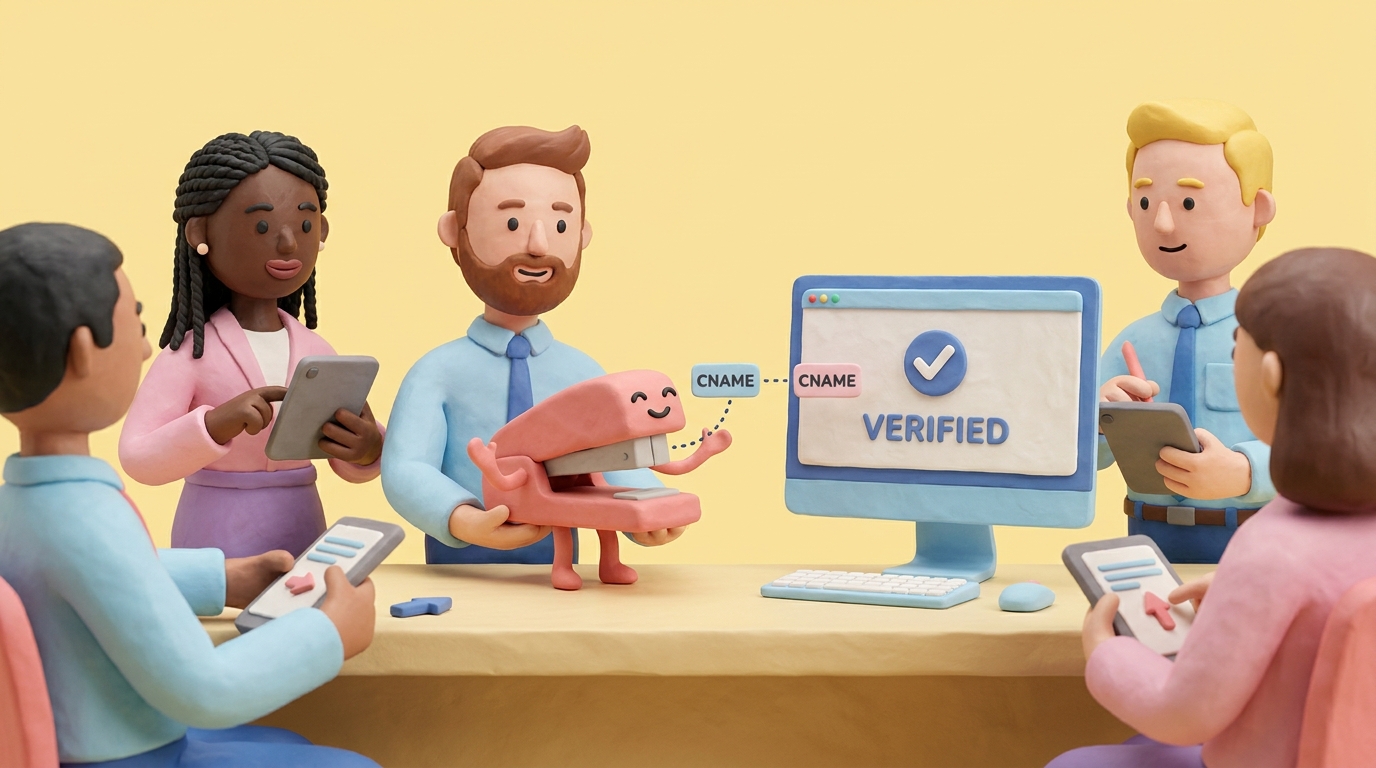
HubSpot email authentication uses MX, DKIM, SPF, and DMARC DNS records. DKIM requires two CNAMEs. SPF uses an account-specific include. DMARC uses one TXT record at _dmarc.
HubSpot’s email authentication documentation, updated July 2, 2026, says the connection process uses MX, DKIM, SPF, and DMARC DNS records. We verified the procedure in August 2026.
This guide focuses on DKIM because it usually provides the reliable aligned identifier for marketing mail.
In DMARC reports, we often see an authenticated HubSpot domain beside mail from an older HubSpot portal or another brand domain. Authenticate the portal and From domain that perform the send.
Before you start
You need:
- HubSpot access with permission to connect domains.
- DNS access for the sending domain.
- The email address or subdomain you use for marketing email.
- A DMARC reporting address if DMARC is not already published.
HubSpot says the email sending domain must not already be used for another purpose, such as hosting your website. The connected domain should match the domain in the From address. For example, mail from [email protected] should use marketing.example.com as the connected sending domain.
Step 1: connect an email sending domain
In HubSpot, go to Settings > Content > Domains & URLs.
Click Connect a domain, choose Email Sending, and enter the email address you use for marketing emails.
HubSpot will confirm the sending domain and then show DNS records. If your DNS provider supports automatic setup, HubSpot may offer that option. Manual setup is also available.
Step 2: publish the two DKIM CNAME records
For DKIM, HubSpot shows two CNAME records. Copy the values in the Host and Required data columns exactly.
| Type | Host | Required data |
|---|---|---|
| CNAME | HubSpot DKIM host 1 | HubSpot DKIM target 1 |
| CNAME | HubSpot DKIM host 2 | HubSpot DKIM target 2 |
Do not replace the target with a guessed HubSpot domain. The values are generated for your account and domain.
Before saving, check whether your DNS provider appends the root domain automatically. If HubSpot gives a full hostname and your DNS provider appends the domain again, validation will fail.
Step 3: add the HubSpot SPF and DMARC records
HubSpot’s current authentication setup also checks MX, SPF, and DMARC. Publish the exact records shown for the connected domain.
If you already have an SPF record, HubSpot says to add its include value to the existing record rather than creating another SPF record. It also reminds you to include v=spf1 and -all only once.
For example, HubSpot shows SPF values in this shape:
v=spf1 include:anotherprovider.com include:123456.spf03.hubspotemail.net -all
Your exact HubSpot include is account-specific, so copy it from HubSpot.
How HubSpot SPF alignment works
The generated SPF record authorizes HubSpot for the connected sending domain. DMARC passes through SPF only when the authenticated envelope-sender domain aligns with the visible From domain. Inspect a delivered message to confirm this. DKIM provides a separate aligned path.
If DMARC is missing, publish one record at _dmarc:
v=DMARC1; p=none; rua=mailto:[email protected];
Step 4: verify in HubSpot
HubSpot says DNS records usually verify within 10 to 70 minutes, though some providers can take 24-48 hours.
Check the Email Sending tab in HubSpot. The domain should move from not authenticated or partially authenticated to authenticated after DKIM, SPF, and DMARC are verified.
Step 5: verify real HubSpot mail
Send a test marketing email to a mailbox you control.
Inspect authentication results:
- DKIM passes.
- The DKIM signing domain aligns with the From domain.
- DMARC passes.
- SPF has only one DNS record and stays under 10 lookups.
When HubSpot reports a domain as partially authenticated, use Continue setup to review the affected record. Our DKIM checker can then confirm whether both public selectors resolve before you change SPF or DMARC.
Use DMARCTrust for the DNS snapshot and your DMARCTrust dashboard for real traffic over time.
Common mistakes
Only setting SPF. HubSpot DKIM is what usually gives clean DMARC alignment.
Creating duplicate SPF or DMARC records. SPF and DMARC each allow one active record at their respective hostnames.
Copying another portal’s records. HubSpot records are account-specific.
Stopping at partially authenticated. For DMARC enforcement, get DKIM, SPF, and DMARC all verified.
FAQ
How many DKIM records does HubSpot use?
HubSpot uses two DKIM CNAME records for an email sending domain.
Does HubSpot provide an SPF include?
Yes, HubSpot shows an account-specific SPF include in the authentication flow. Merge it into your existing SPF record.
Does HubSpot SPF align with DMARC?
It can. SPF must pass for an envelope-sender domain that aligns with the visible From domain. Publish the account-specific value HubSpot generates, then inspect a real marketing message instead of relying only on DNS status.
How do I verify HubSpot DKIM?
Check HubSpot domain status, send a real test email, and confirm DKIM and DMARC pass in the headers.